
Location is the hardest way to search for an OnlyFans creator, and most guides on the subject quietly avoid explaining why. This one starts with the awkward part.
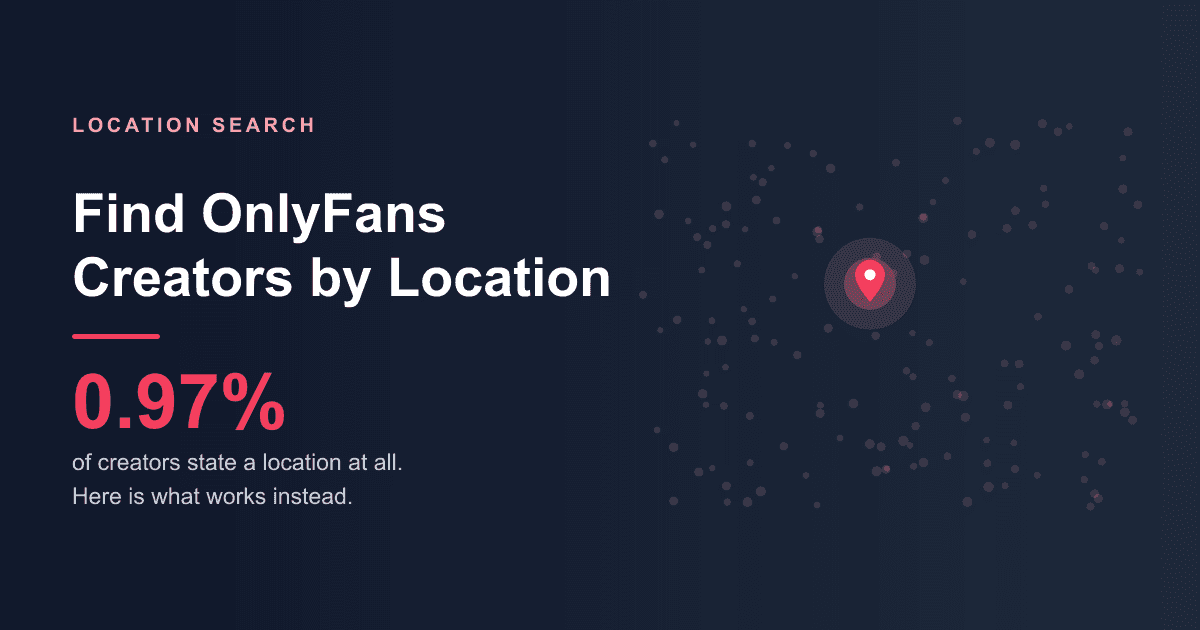
Of the 80k plus creators indexed on OnlySearch, just 800 plus state a location at all. That is under one percent. Any tool promising comprehensive location search for OnlyFans is either guessing or inventing, because the underlying data does not exist.
Why the Data Is So Thin
OnlyFans does not ask creators for a location, and does not verify one when it is given. It is an optional free text field, which produces three problems at once.
Most creators leave it blank. There is no incentive to fill it in, and a real reason not to: stating a city narrows your audience and raises safety questions that most creators would rather avoid.
Many who fill it in are not being literal. Real values in the index include "In Your Pants", "Next Door" and "No Matter Where You Are, Here You Shall Be". These are jokes, not addresses, and no filter can tell the difference.
The spellings do not agree. The United States appears as "Usa", "United States" and "United States of America" as three separate values covering 140 plus creators between them. The United Kingdom appears as "Uk", "United Kingdom" and the full formal name. Los Angeles appears as "Los Angeles", "Los Angeles, Ca" and "La". Sorting by location without normalising first splits one place into several.
What the Location Data Actually Looks Like
Among creators who do state something, the largest groupings are the United States with roughly 140 plus across its spellings, then the United Kingdom, Australia and Canada with fewer than twenty each. At city level the numbers are smaller still: Los Angeles, London, Miami and Las Vegas each sit in single figures or low teens.
In other words, even the best populated city in the index has about as many creators as a single category page shows in one screen. Location is a supplementary signal, not a browsing strategy.
What Actually Works
1. Use location categories where they exist
Where enough creators cluster around a place, it becomes a browsable category. USA is the clearest example. This is the only genuinely reliable route, because the grouping has been done in advance rather than inferred from a free text field.
2. Search the place name directly
Creators who care about being found locally usually put the place in their display name or bio rather than in the location field. Searching the city name on OnlySearch catches those, and it catches them regardless of whether the location field was ever filled in.
3. Work backwards from social media
This is the most effective method by a wide margin, and it does not involve the location field at all. Creators post local context constantly: landmarks, weather, events, local slang, regional accounts they interact with. Social platforms also have their own geographic search, which OnlyFans does not.
4. Infer from timezone
If your reason for caring about location is live sessions rather than proximity, timezone is the thing you actually want. Consistent posting or streaming times tell you more about where someone lives than a self reported city ever will.
5. Ask
Obvious, and routinely overlooked. Creators who are open about their region will tell you, and the ones who are not were never going to have it in their profile either.
What to Be Careful About
- Stated locations are unverified. Nobody checks them. Treat one as a hint, never as a fact.
- Agency managed accounts often list the agency's city. The person posting may be nowhere near it.
- Aspirational locations are common. Listing Los Angeles or Miami is partly branding, because those cities carry associations that sell.
- Be wary of any site offering creators "near you". With under one percent of profiles carrying a location, a map interface is a design decision rather than a data driven feature.
Frequently Asked Questions
Can you filter OnlyFans creators by city?
Not reliably. OnlyFans has no location field of its own, and among external indexes fewer than one percent of profiles state a location. Where a place has enough creators it becomes a category, such as USA, and that is the closest thing to a working filter.
How many creators list a location?
800 plus out of 80k plus on OnlySearch, which is under one percent. Of those, a meaningful share are jokes rather than places.
Why do location searches return so few results?
Because the field is optional, unverified, and inconsistently spelled. "Usa" and "United States" are stored as different values, so a search for one misses the other unless the site normalises them.
Is there a better way to find local creators?
Yes. Search social media for the place name, or search the city name here rather than relying on the location field. Both outperform location filtering.
Where to Start
Try USA if that fits, or search a city name directly. If location turns out to matter less than you thought, which is common, the more productive filters are price and niche: see the categories guide and free vs paid OnlyFans.
For the full set of discovery methods, start with how to find OnlyFans creators.